
Track tasks and progress
This guide uses a small project map:
Project├── Design│ ├── Wireframe│ └── Mockup└── BuildMake topics into tasks
Section titled “Make topics into tasks”- Select
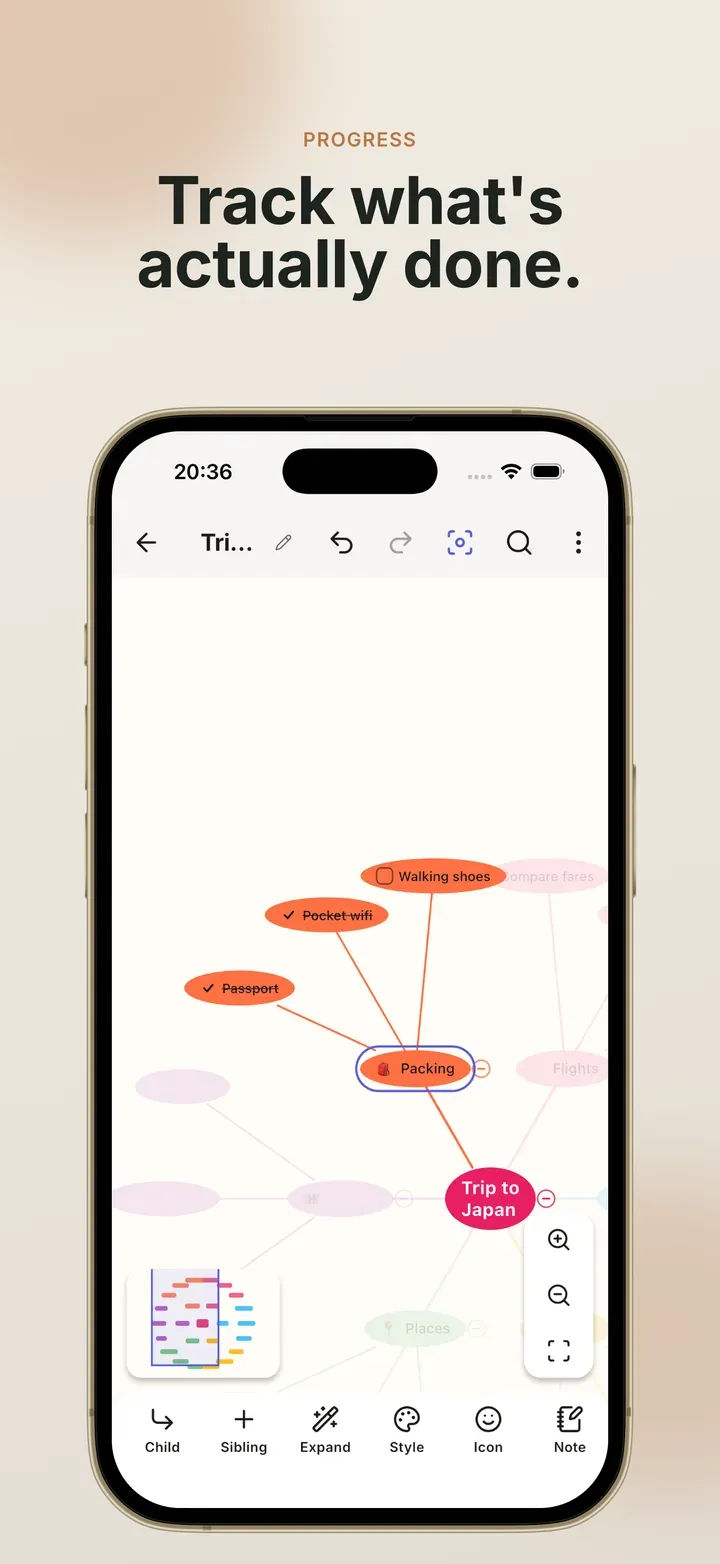
Wireframe, tap ⋯, then Task. A checkbox appears on the topic. - Tap the checkbox on the map to tick it. The text is struck through.
- Do the same for
MockupandDesign.
To add checkboxes to several topics at once, select them all and tap Check. To turn a whole branch into a checklist in one go, open the outline view, tap the branch’s top row, and long-press Task.
Let ticks add up
Section titled “Let ticks add up”With checkboxes on Design, Wireframe and Mockup:
- Tick both
WireframeandMockup, andDesignticks itself. - Untick either one, and
Designunticks. - Tick
Designdirectly, and both children tick with it.
Show a progress bar
Section titled “Show a progress bar”- Select
Design, tap ⋯ → Progress bar. - Choose Automatic.
- Tick one of its two children. The bar shows 50%.
For work that isn’t split into sub-tasks, choose Manual instead and drag the
slider. Select Build, choose Manual, and set it to 70%. A manual bar
ignores checkboxes completely.
Number the steps
Section titled “Number the steps”Select Project, tap ⋯ → Number the children. Design and Build become
1. and 2.. Do the same on Design and its children become 1.1 and 1.2.
Choose Stop numbering children to remove the numbers.
Numbers follow the order of the topics, so they update when you drag one to a new place. Topics set to the Label type are skipped.
Hide what is done
Section titled “Hide what is done”Tap ⋮ → Hide ticked tasks. Every ticked topic leaves the map, together with everything under it, and the rest of the map closes up. A tick next to the menu item shows it is on. Tap it again and everything comes back. Nothing was deleted.
- The central topic is never hidden, even when it is ticked.
- The setting belongs to this map only, and undo turns it off.
- Image and PDF exports leave the hidden topics out. Text, Markdown and OPML exports always include them.
In the outline
Section titled “In the outline”⋮ → Outline view is a quick way to manage a checklist:
- Tap a row, then Task on the toolbar to give it a checkbox. A faint empty checkbox on the row you are editing does the same.
- Long-press Task to add checkboxes to the row and everything under it. Long-press again to remove them.
- Rows with an automatic progress bar show the percentage on the right.
- Long-press a row’s text to select several rows, then use Task, Tick or Untick on all of them.
Related
Section titled “Related”- Create: checkboxes, numbering and progress in context
- Edit and rearrange
 Mind Map: Smart Mind
Made by MyGems · © 2026 MyGems