
Share and export
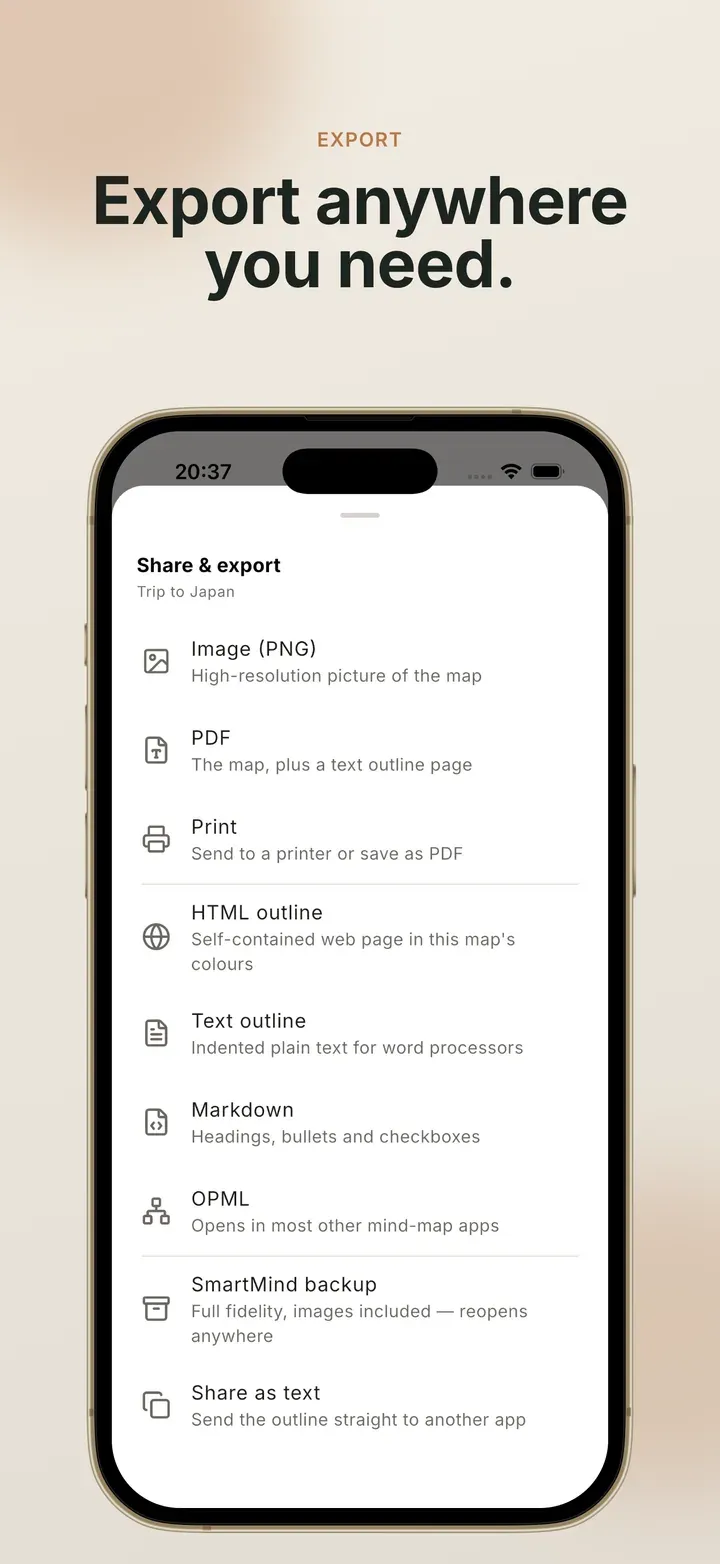
Everything here starts from ⋮ → Share & export in a map. Pick a format, and the finished file opens in your device’s share sheet. From there you can save it, send it or open it in another app. Files are named after the map.
Formats
Section titled “Formats”| Format | What you get | |
|---|---|---|
| Image (PNG) | A picture of the map, cropped to fit | Free at 1× with a small mark. Pro for no mark and up to 4× |
| Text outline | Indented plain text, with [x] for ticked tasks |
Free |
| Share as text | The outline, sent straight to another app | Free |
| The map on the first page, fitted, then a text outline | Pro | |
| The system print dialog, including Save as PDF | Pro | |
| HTML outline | One self-contained web page in the map’s own colours, with pictures included | Pro |
| Markdown | Headings, bullets and checkboxes, with notes kept as Markdown | Pro |
| OPML | The outline format most other mind map and outliner apps open | Pro |
| Smart Mind backup | Everything, including pictures. Opens in Smart Mind on any device | Pro |
File formats has the details for each one.
A few rules apply to all of them:
- Hidden branches are left out of every export.
- Image and PDF exports match the screen: same theme, same spacing, and anything Hide ticked tasks has hidden stays hidden. Text formats always include every topic, ticked or not.
- Selection highlights never appear in an export.
Present Pro
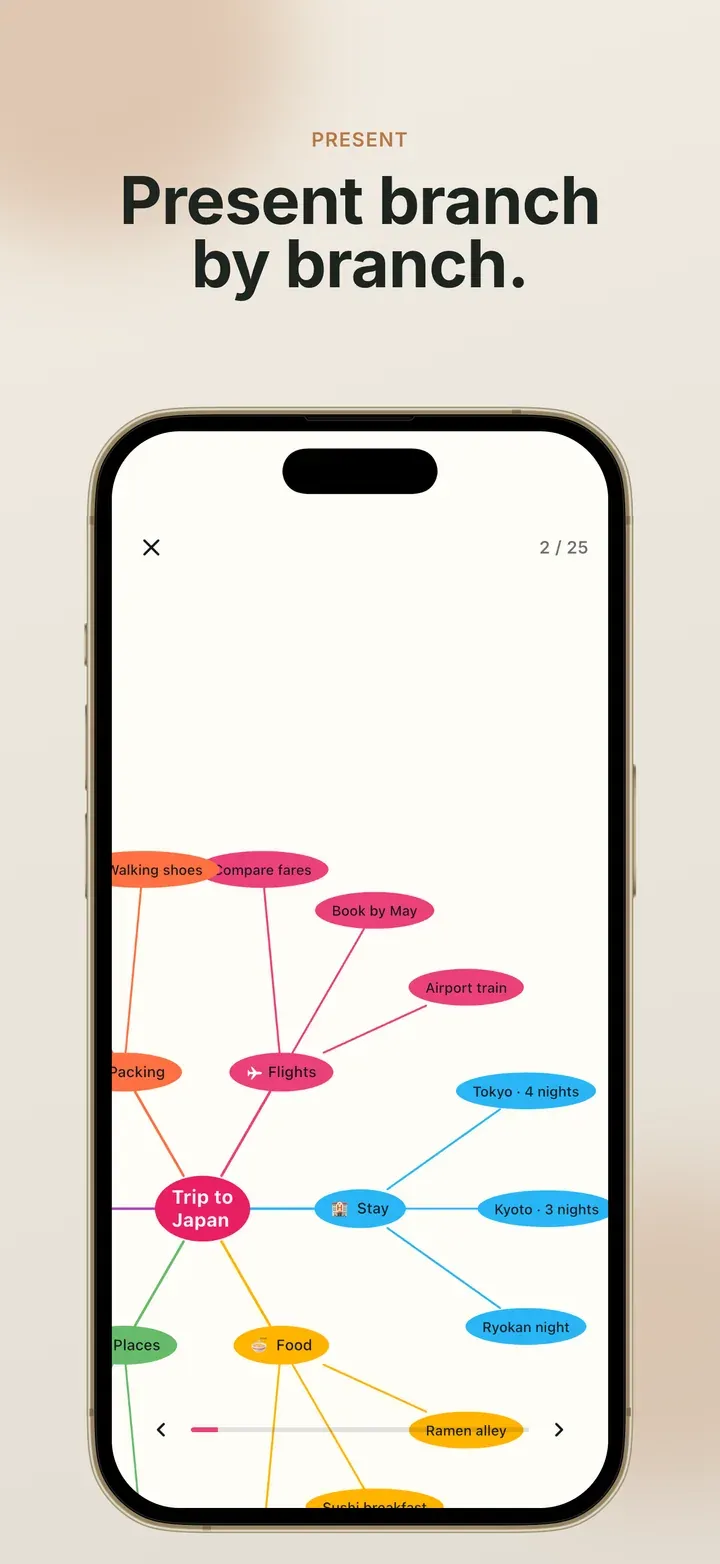
Section titled “Present Pro”⋮ → Presentation turns the map into a full-screen slideshow. Each step moves the view to the next topic and its branch, in order. A progress bar and a counter show how far through you are, and a topic’s note appears on a card below the map.
Tap the right side of the screen, or press → or Space, to go forward. Tap the left side, or press ←, to go back. You can still pinch and pan while presenting. Hidden branches are skipped.
Importing is always free
Section titled “Importing is always free”Smart Mind never keeps your maps out of reach. Opening a backup, a single-map Smart Mind file, an OPML file or a pasted outline is free on every device, whether or not you have ever paid. A backup of forty maps restores in full on a free copy.
Related
Section titled “Related”- Import, export and back up: step by step
- Present and share: presenting, printing and sending
- File formats: what is inside each file
 Mind Map: Smart Mind
Made by MyGems · © 2026 MyGems